Visual store design
Choose your sections, colours and layout in the visual editor. Preview your store on desktop and phone before you launch.
 MaketoraWhere makers become sellers
Coming soon
MaketoraWhere makers become sellers
Coming soon
Build your store, sell anywhere, get paid your way.
 MaketoraYour business, connected.
Choose a card to preview what’s possible.
Make it yours
Choose the tools that fit the way you work.
Choose your sections, colours and layout in the visual editor. Preview your store on desktop and phone before you launch.
Create a welcome that belongs to your brand. Choose layouts, page and form backgrounds, button styles and your own words—with a live preview.
Design the space customers return to for orders, downloads, subscriptions and help. Customise it with a ready-made preview beside you.
Help buyers find your branches with maps, phone numbers and opening hours across cities and countries.
Give your store a familiar address. Connect your own domain where your plan includes it, or use your Maketora store address.
Make coming-soon, maintenance and 404 pages feel like your store. Style your cookie banner and choose when to show a launch countdown.
Bring products to life with galleries, close-ups, photo variations, colours and sizes. Keep price, stock and quantity clear.
Tell the product’s story, then show the facts: materials, care, construction and at-a-glance specifications buyers can compare.
Show the size and weight of the product separately from its shipping package, so buyers know what to expect.
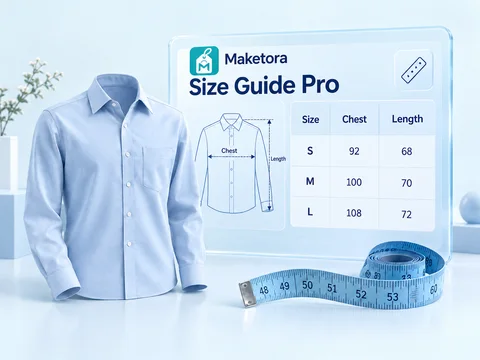
Add product-specific size charts and measurement diagrams. Choose relevant artwork and explain exactly where buyers should measure.
Ask for a gift message, date request or useful choice at checkout. Keep each answer beside the order you need to prepare.
Put dispatch estimates, delivery information, applicable policies and enabled payment choices close to the purchase.
Sell ebooks, audio files and templates with clear access terms. Eligible files appear in the buyer account after payment confirmation.
Offer product subscriptions, boxes or service plans with clear prices and intervals through the separately billed Store Subscriptions app.
Bring complementary products together and make the value clear. Show set prices, savings and quantity tiers for larger purchases.
Help customers discover a complete look, a gift or their next favourite. Build collections by hand or keep them updated with product rules.
Create percentage or fixed-amount codes. Choose dates, eligible products, minimum spend and usage limits to shape each offer.
Present qualifying gifts and optional paid mystery boxes with clear conditions and prices, so buyers understand the extra before purchase.
Follow orders, payment and delivery status in one dashboard. Review customer activity and manage refunds as the next step becomes clear.
Offer cash on delivery and supported online or regional providers, including Stripe, PayPal and CMI, where available for your business and market.
Follow stock levels and value across warehouses. See low-stock items, incoming units and movements; manage suppliers, purchase orders and receiving.
Understand what each product costs to make. Build recipes with materials, waste and labour, reuse sub-recipes and follow production costs.
Bring deliveries, returns, restocks, events, promotions and coupon deadlines into a clearer view of your week.
Keep private to-dos, share team tasks and assign work to a member. Organise priorities, categories and due dates.
Set a target and time frame, then follow progress and remaining days. Count catalog products and update revenue goals manually.
See how people find and explore your store. Follow visitors, sessions, top pages, traffic sources, countries, devices and campaign trends.
Choose from 21 built-in interface languages, including right-to-left layouts. Your plan controls how many you offer; add your own translated content.
Get help creating product descriptions, so you can spend more time refining your offer and running your business.
Keep order confirmation close to your workflow and give customers a familiar way to confirm their purchase.
Give shoppers useful context with product ratings and customer feedback. Moderate reviews from your dashboard.
Explore Maketora Mail, Store Assistant, Buyer Watchlist, Buyer CAPTCHA, Freelance Invoices, Size Guide Pro, My Card, QR Code, Flowcharts and SEO Tools.
See the app previewsAvailability and limits depend on your plan, product settings and enabled apps. Calendar, Inventory, Workshop and Store Subscriptions are separate apps; paid apps are billed separately. Payment options depend on your market, provider approval and store setup. Recurring online payments need a supported connection.
Design every detail
Explore the Theme marketplace, Coming soon and 404 pages, and branded storefront invoices.

Illustrative theme concepts, not installable themes. More designs are planned; final names and layouts may change.
MaketoraProduct page design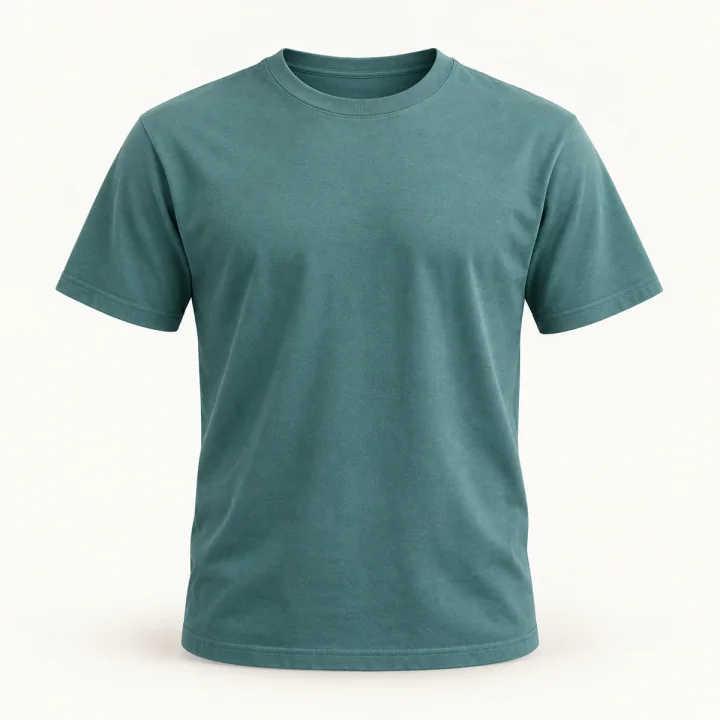 EXAMPLE PRODUCT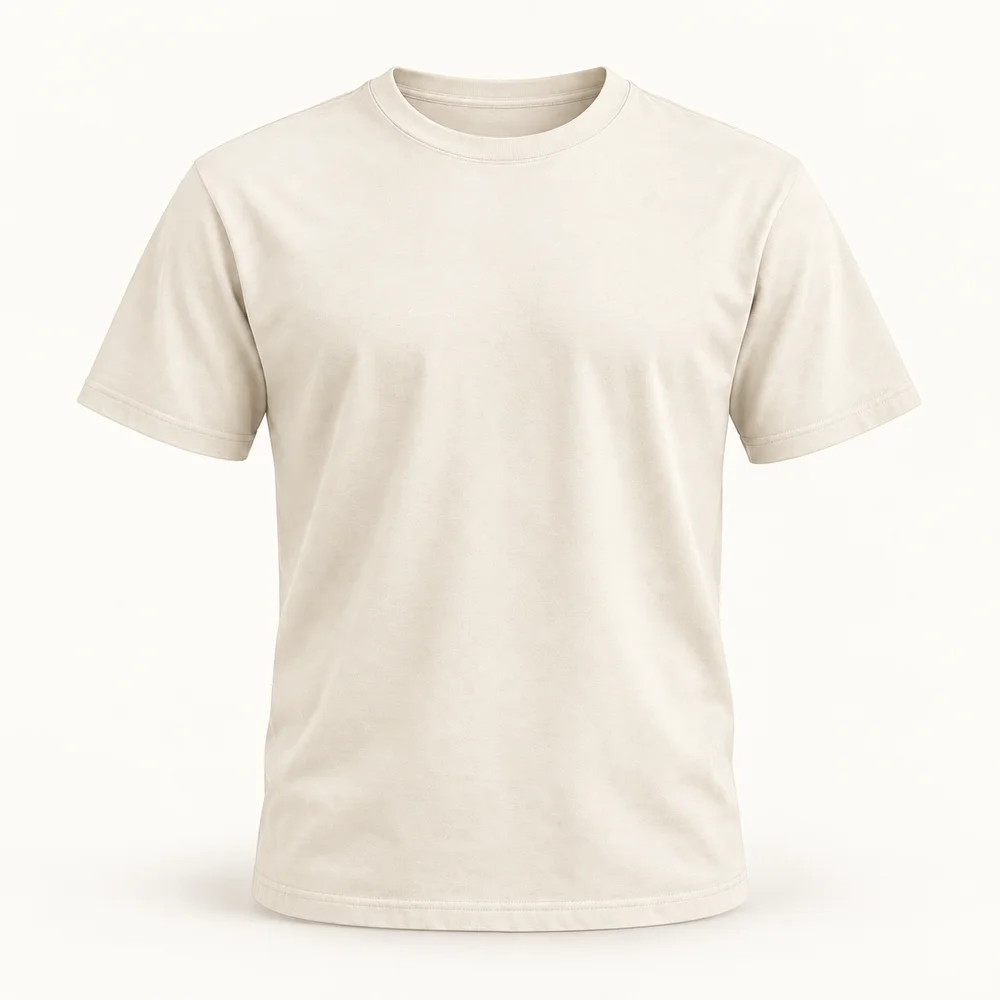
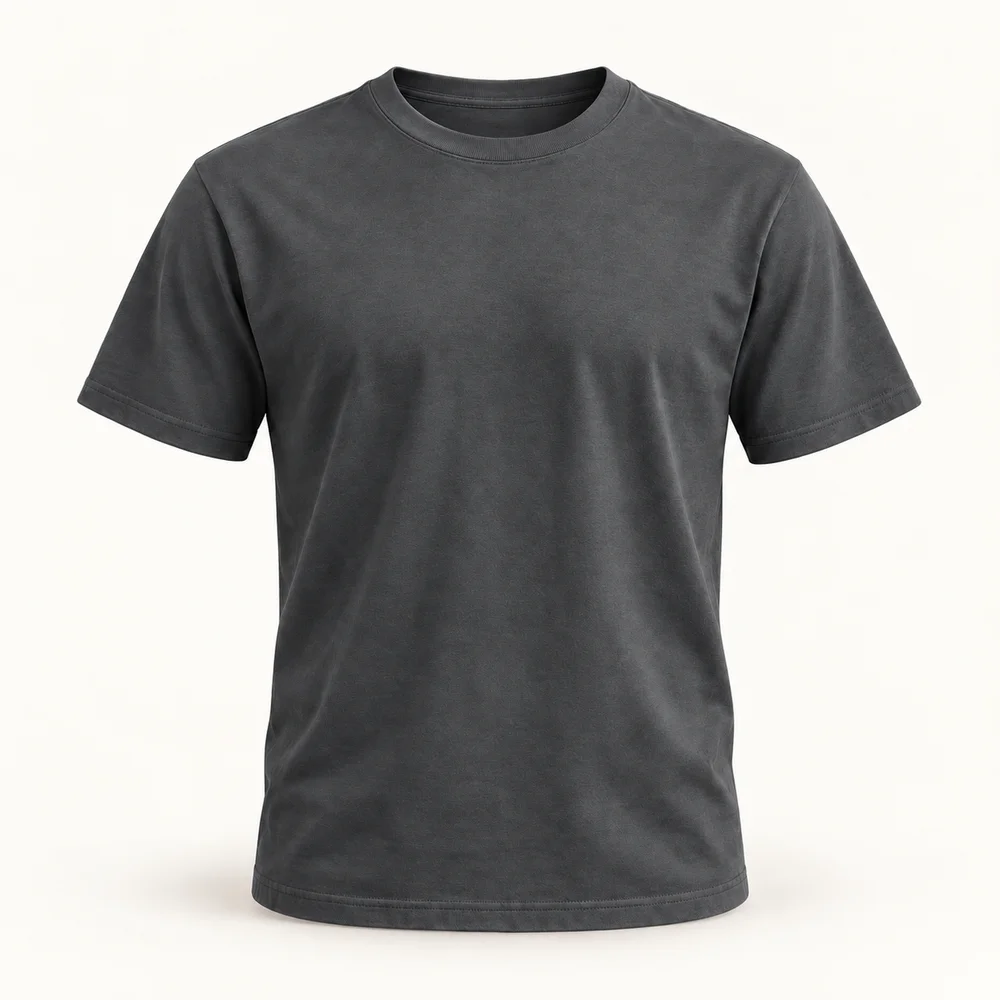
Soft cotton. An easy everyday fit. Choose your colour, size and fabric below.
TealIvoryCharcoalArrange product blocks, show photo variations, sizes and materials, and style desktop and mobile layouts with a live preview.
MaketoraStorefront Invoice · PreviewMaketoraYour brand logoMaketoraStyle your storefront invoices to match your store. Business details, contact fields and totals are shown here as neutral lines.
MaketoraBuyer login designLive preview


 MaketoraYour accountWelcome to your storeMaketoraYour accountWelcome to your store
Start with a finished design, or choose a layout such as Minimal, Split, Banner, Glass or Editorial.
Set page and card backgrounds, text colours, buttons, a welcome title, message and tab labels.
Control forgot-password, social sign-in, language and consent options. Social sign-in requires configured providers.
Add Terms, Privacy and Help URLs, plus custom links for Returns, Warranty or About.
See changes instantly in desktop and mobile previews. Save when ready, or discard changes to return to the last save.
Keep a consistent account space for orders, downloads, subscriptions and help.
Design options depend on your plan and setup. This is an illustrative preview, not a working login form.
Choose a premade design or customise your own. Set backgrounds, colours, welcome text and buyer-facing options—with live desktop and mobile previews.

Something special is on its way.
See you soonIntroduce your store with a character, a glass card and your own welcome message.

Let’s help you find your way.
Back to homeTurn a missing page into a friendly moment, with your colours, message and a clear way home.
MaketoraCart & checkout design▰ ▯Give your cart and checkout a consistent look, with your colours, branding and page layout.
These are just a few of Maketora’s design features. Explore more ways to personalise your store and make every detail feel like your brand.
Stay tunedExplore the apps
Useful tools for the everyday work behind your business.
Marketing
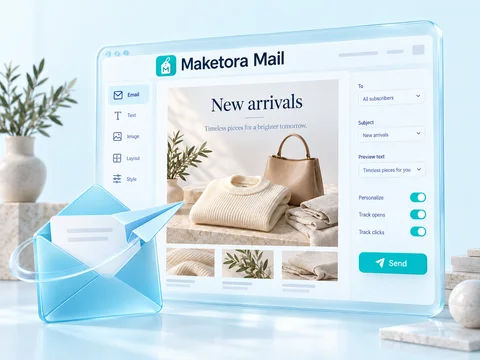
Build email campaigns with editable templates and your own product photos.
Buyer context
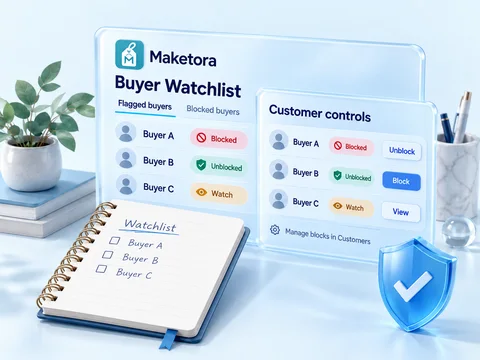
Keep private buyer notes and review blocked buyers. Manage block/unblock in Customers.
Buyer access
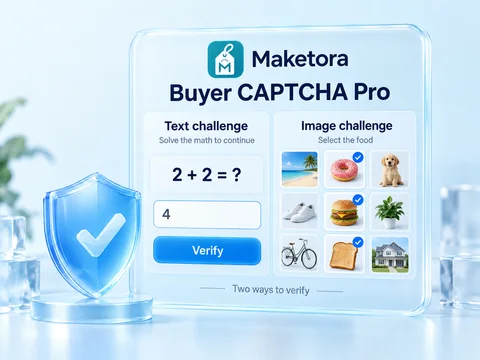
Add text or picture challenges to buyer signup and login.
Business
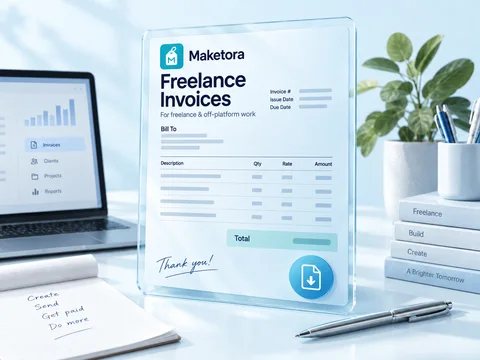
Create professional invoices for freelance and off-platform work.
Product details
Create size charts and measurement guides to help buyers choose their fit.
Buyer support
Help shoppers find answers with your own FAQ bot, topics and follow-up questions.
Your identity
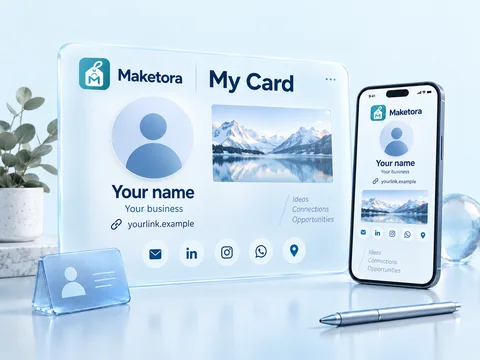
Share your profile, contact details and social links on a digital business card.
Connect & share
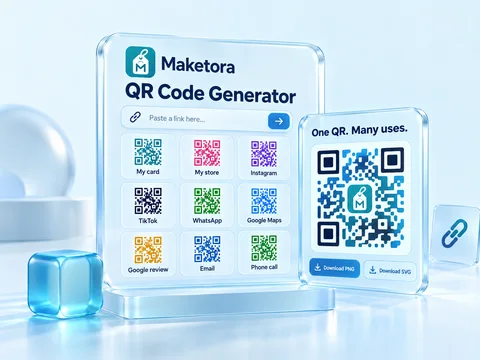
Choose a preset, customize your QR code, and download it as PNG or SVG.
Your workflow
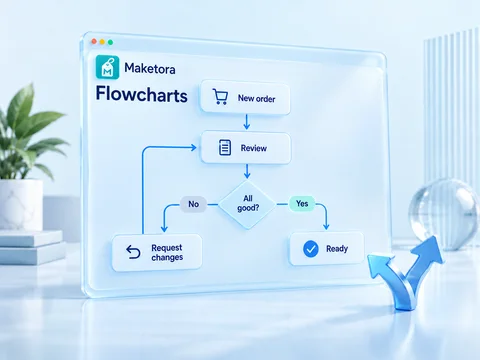
Map your processes with visual steps, decisions and ready-made templates.
Discoverability
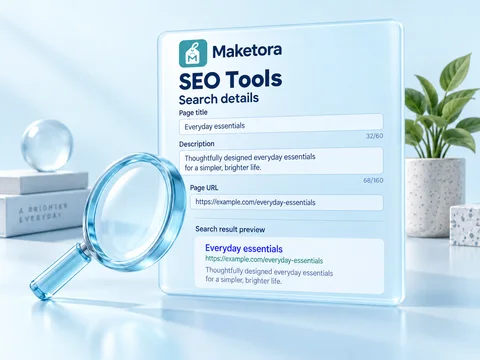
Manage search details and explore tools that help your store get discovered.
MaketoraProductsILLUSTRATIVE PREVIEW · EXAMPLE PRODUCTS12 variantsDEMO-014 sizesDEMO-02 3 formats
DEMO-038 variantsDEMO-04Find products by status or type, manage variations and stock, review SEO indicators, and use bulk editing or import and export to organise your catalogue.
Built-in catalogue tools
Manage physical and digital products, variations and stock. Search, filter, edit in bulk, import and export, and review product SEO indicators.
Understand sales, products and customer activity.
Daily order value · Example trend
Everyday cotton T-shirtCreative template packIvory cotton T-shirtChoose a reporting range, currency and comparison period. Review revenue, orders, refunds, average order value and repeat buyers.
Explore product rankings, sales by category, coupon performance and cart and order stages.
Use the available CSV exports to review your figures outside the dashboard.
Understand your sales
Compare sales over time, follow orders and refunds, and explore product, category and customer performance.
Visitor traffic across your storefront.
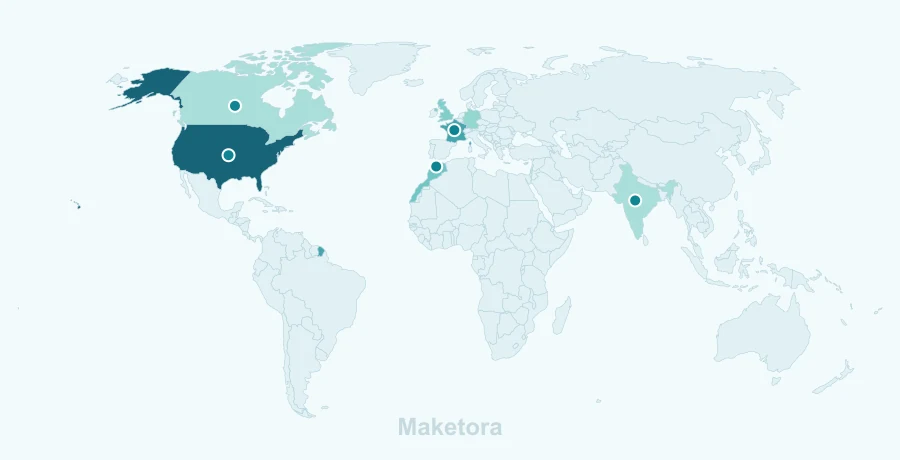
Review page views, sessions, pages per session, bounce rate and conversion rate over your chosen period.
Explore the country map and rankings, cities, regions and country growth.
Review traffic sources, top pages, devices and campaign trends.
Understand your visitors
See how people find and explore your store, with visitor trends, traffic sources, country insights and device reports.
Your store, your progress, your next step.
Everyday cotton T-shirtSold outIvory cotton T-shirt4 leftSearch engine readiness
See monthly summaries and reach your store editor or product tools from one place.
Spot low-stock products, refund requests and SEO issues that need a review.
View revenue, orders, refunds and average order value together, with a shortcut to the full report.
Your working day, at a glance
Start with a clear overview of your store: sales, orders, product stock, refund requests and SEO health.
Just a glimpse
These are just a few of Maketora’s apps and tools. There’s more to discover as your business grows.
Stay tunedA selection of Maketora apps and tools. Illustrative previews. App availability and fees depend on your plan and store setup.